
Category: <span>Uncategorized</span>
Old electronics pile up fast: end-of-life laptops, dead monitors, retired servers, networking gear and phones. For businesses in Johor Bahru, how you dispose of this “e-waste” matters for three reasons: data security, environmental responsibility, and regulatory compliance. Here is what to know.
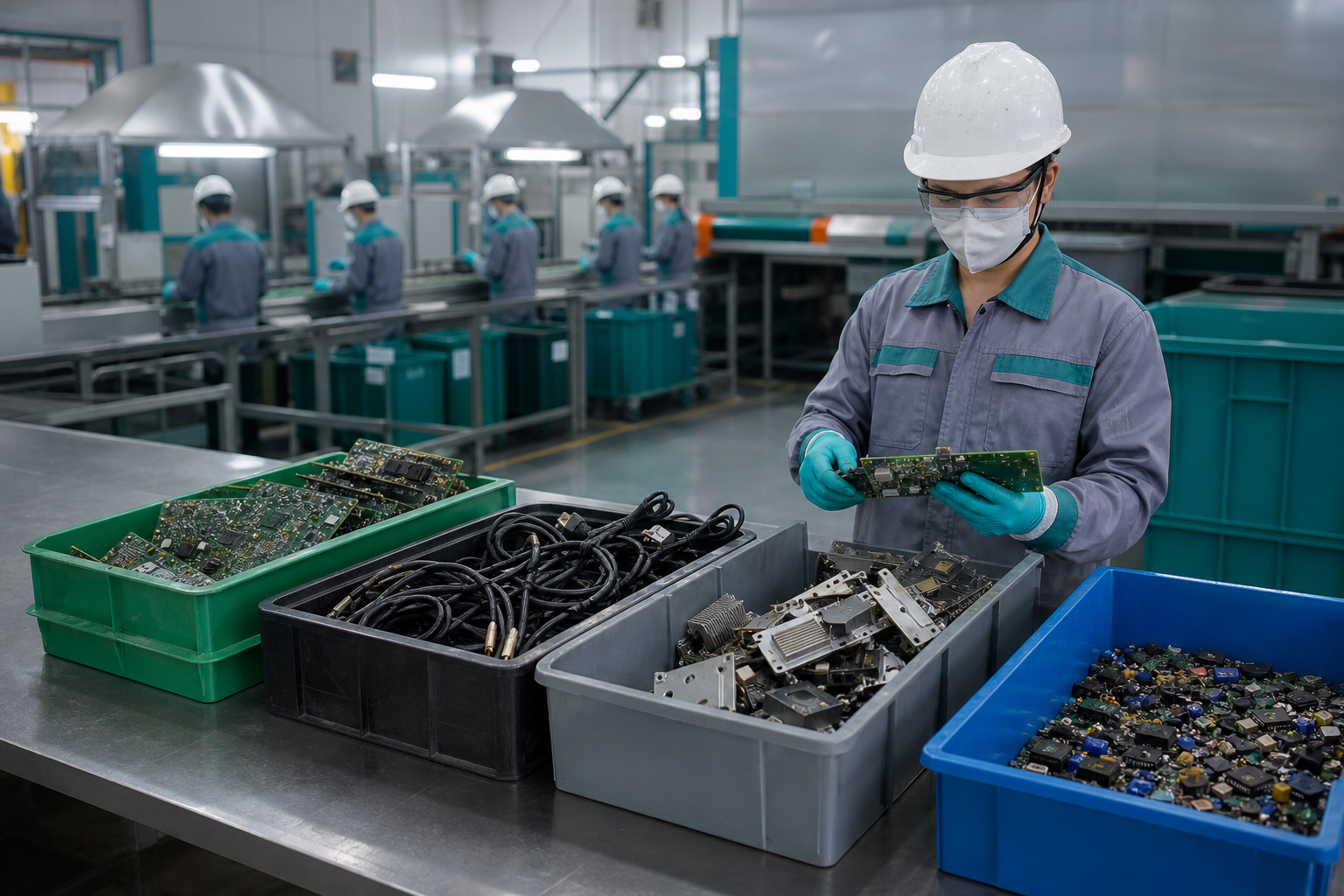
What counts as business e-waste?
E-waste is any electrical or electronic equipment that has reached the end of its useful life: computers and laptops, servers and storage, monitors, printers, networking equipment, phones, batteries and cabling. Much of it contains both recoverable materials and, importantly, components that once stored data.
Why it is regulated in Malaysia
Electronic waste contains substances that must be handled carefully. In Malaysia, e-waste generated by businesses is generally classified as scheduled waste and should be managed through appropriately licensed channels under the oversight of the Department of Environment (DOE). Sending it to general landfill or an unlicensed handler can create both environmental and compliance risk, so it is worth confirming that your disposal route is a proper one.
Data comes before recycling
The biggest mistake businesses make is treating e-waste as purely an environmental issue. Before anything is recycled, every data-bearing component should be securely handled, whether erased or destroyed, so no information leaves with the scrap. In practice, responsible e-waste recycling sits at the end of a process that starts with IT asset disposition and data sanitisation.
What responsible recycling looks like
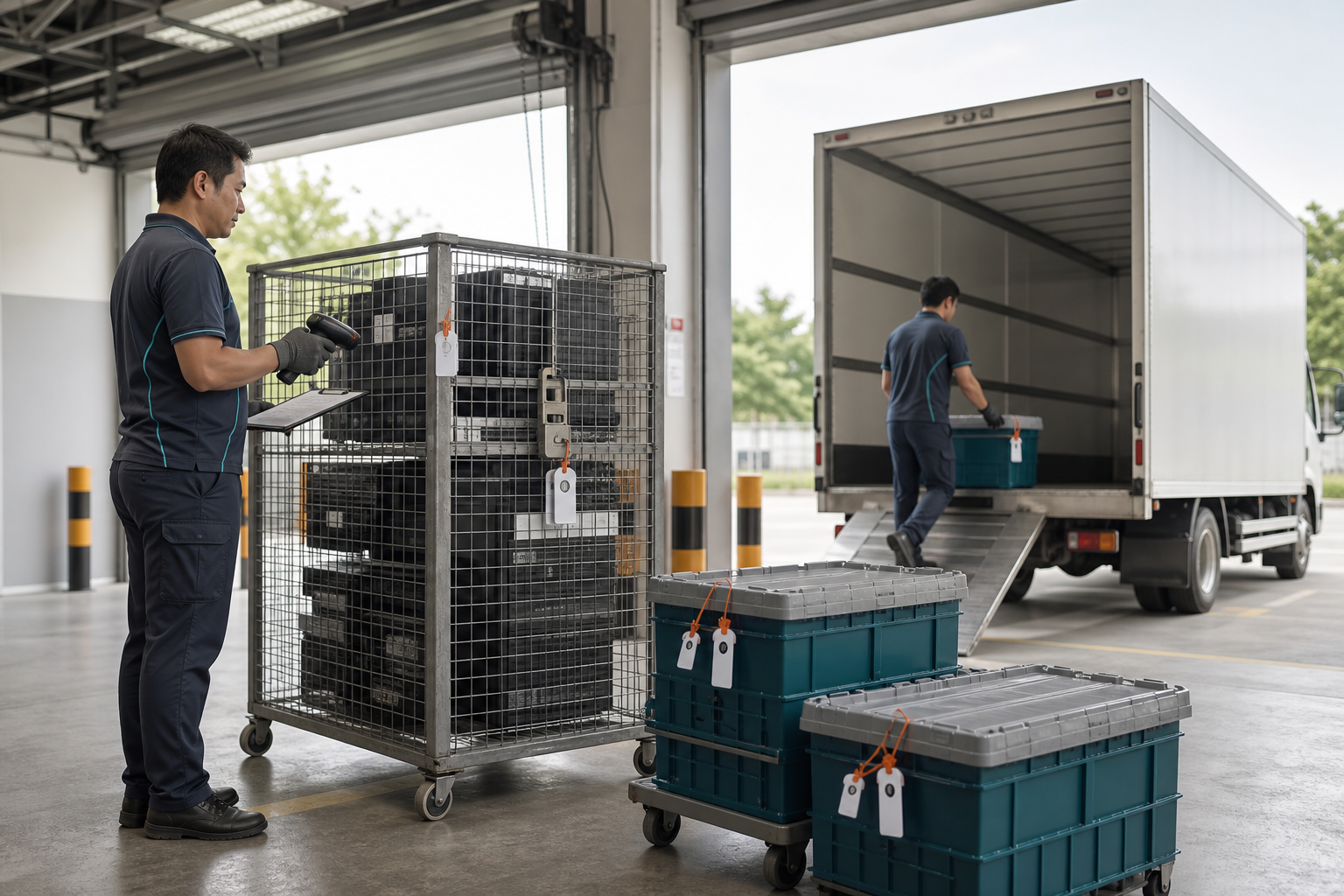
- Secure collection from your site, with handover records. See secure logistics.
- Data-bearing components addressed first, through erasure or destruction.
- Sorting and routing of remaining materials to appropriate downstream recycling channels.
- Documentation so you can show the equipment was handled responsibly.
Recover value before you recycle
Not everything labelled “e-waste” is actually waste. Devices still in working order may be eligible for reuse or buy-back once data security is confirmed, which reduces both cost and environmental impact. Recycling is for what genuinely cannot be reused.
Doing it right in Johor Bahru
For businesses in Johor Bahru, Iskandar Puteri, Pasir Gudang and the wider Johor region, the practical answer is to work with a provider who can handle the whole chain, from collection and data sanitisation or destruction to value recovery and responsible recycling, with documentation at the end. If you have electronics to clear in Johor Bahru, request a quote and we will scope it with you.
When retiring data-bearing equipment, businesses face a basic choice: securely erase the storage so the hardware can be reused, or physically destroy the media so it can never be read again. Both are legitimate. The right one depends on the device, the sensitivity of the data, and what you want to happen next.
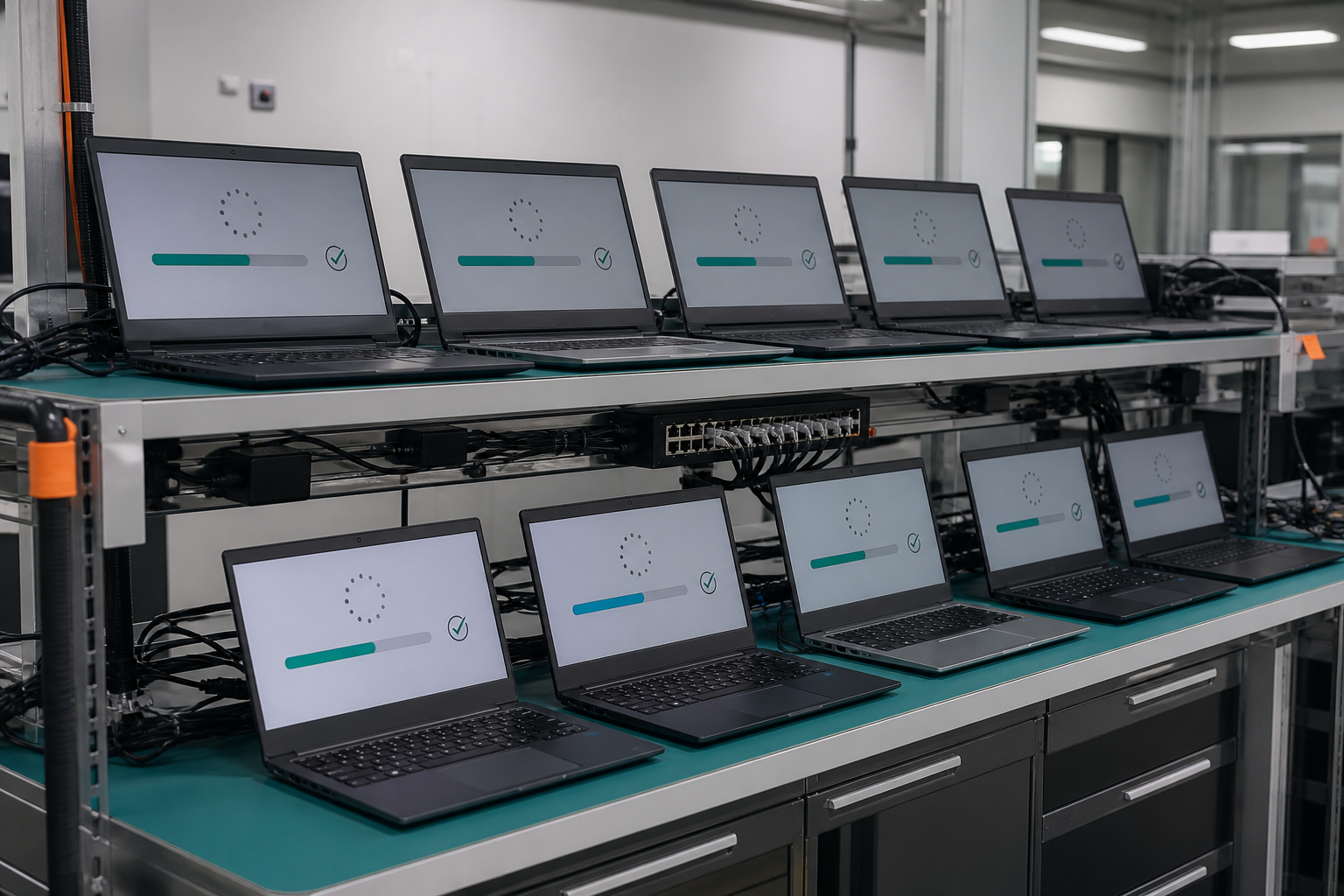
What data erasure is
Data erasure, or sanitisation, uses software to overwrite or reset storage so the original data cannot be recovered, while leaving the device intact and usable. Reputable processes are scoped with reference to standards such as NIST SP 800-88 Rev. 2, and produce an erasure report per device. Erasure is the right choice when equipment still has life left and you want to redeploy, remarket or sell it. Learn more about data sanitisation and erasure.
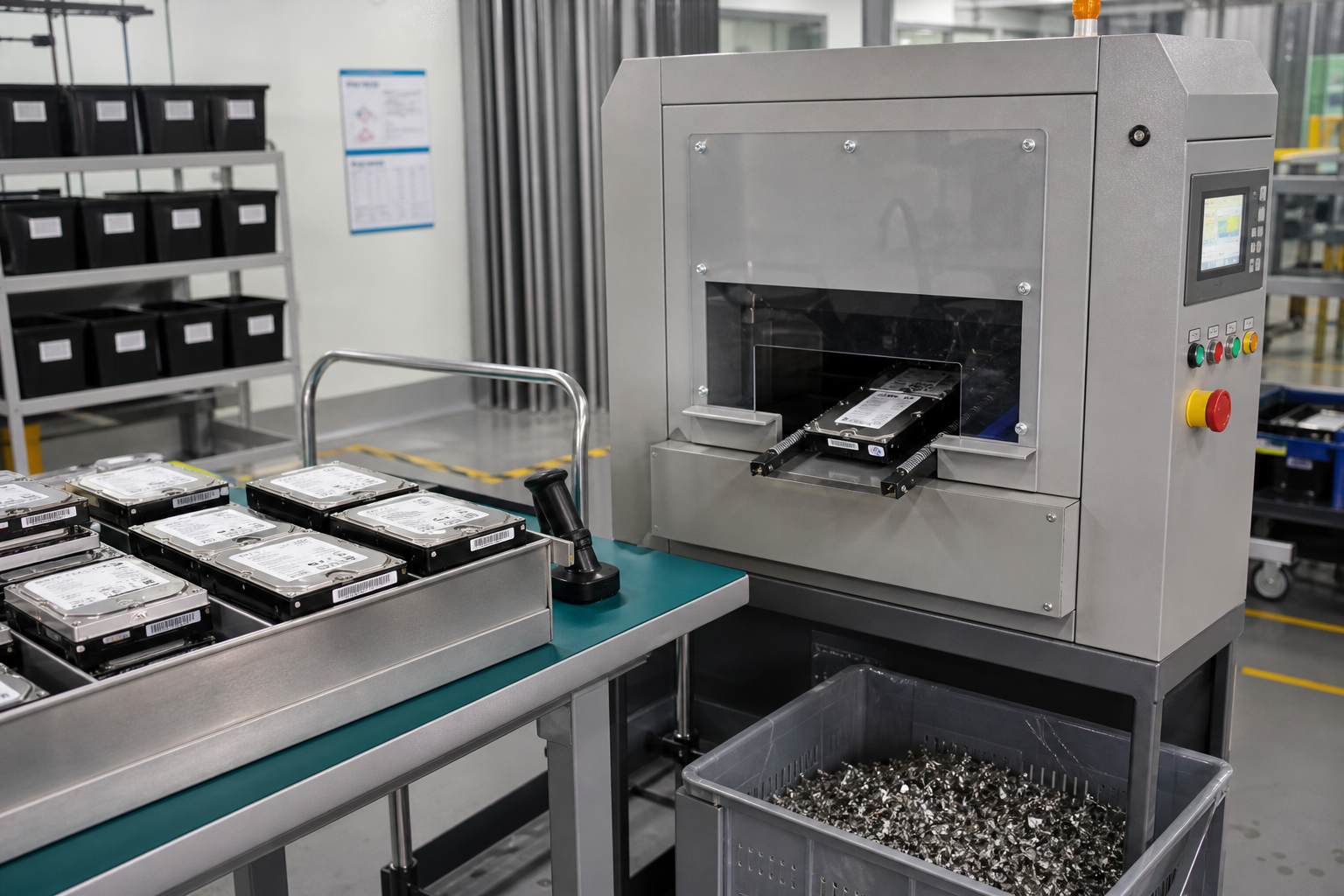
What physical destruction is
Physical destruction permanently alters the media, through shredding, crushing or degaussing, so it cannot return to normal use. It is the right choice for drives that are damaged, obsolete, or that hold especially sensitive information where you want the certainty of a destroyed device and a Certificate of Destruction. See physical data destruction.
When to erase
- The device is in working order and has resale or redeployment value.
- You want to keep the hardware in service or recover value from it.
- A documented erasure report is sufficient for your internal controls.
When to destroy
- The drive is faulty, unreadable, or cannot be reliably sanitised.
- The device is end of life with no reuse value.
- Your risk profile calls for physical destruction and a certificate.
SSDs and hard drives are not the same
The two cannot be treated interchangeably. Traditional hard drives (HDDs) are magnetic and can be degaussed or overwritten. Solid-state drives (SSDs) store data differently, so degaussing does not work and erasure must use SSD-appropriate methods. The correct technique depends on the media, which is why the method should be confirmed during scoping rather than assumed.
Don’t forget the paperwork
Whichever route you choose, the documentation is what makes it defensible: an erasure report for sanitised media, or a Certificate of Destruction for destroyed media, plus asset or quantity reporting to reconcile against your inventory.
Can you do both?
Often, yes. A typical retirement mixes the two: usable machines are erased and moved to value recovery, while faulty or highly sensitive drives are destroyed. A good provider scopes the split with you up front. If you are weighing the options for a project in Johor Bahru, get in touch and we will recommend the right mix for your assets.
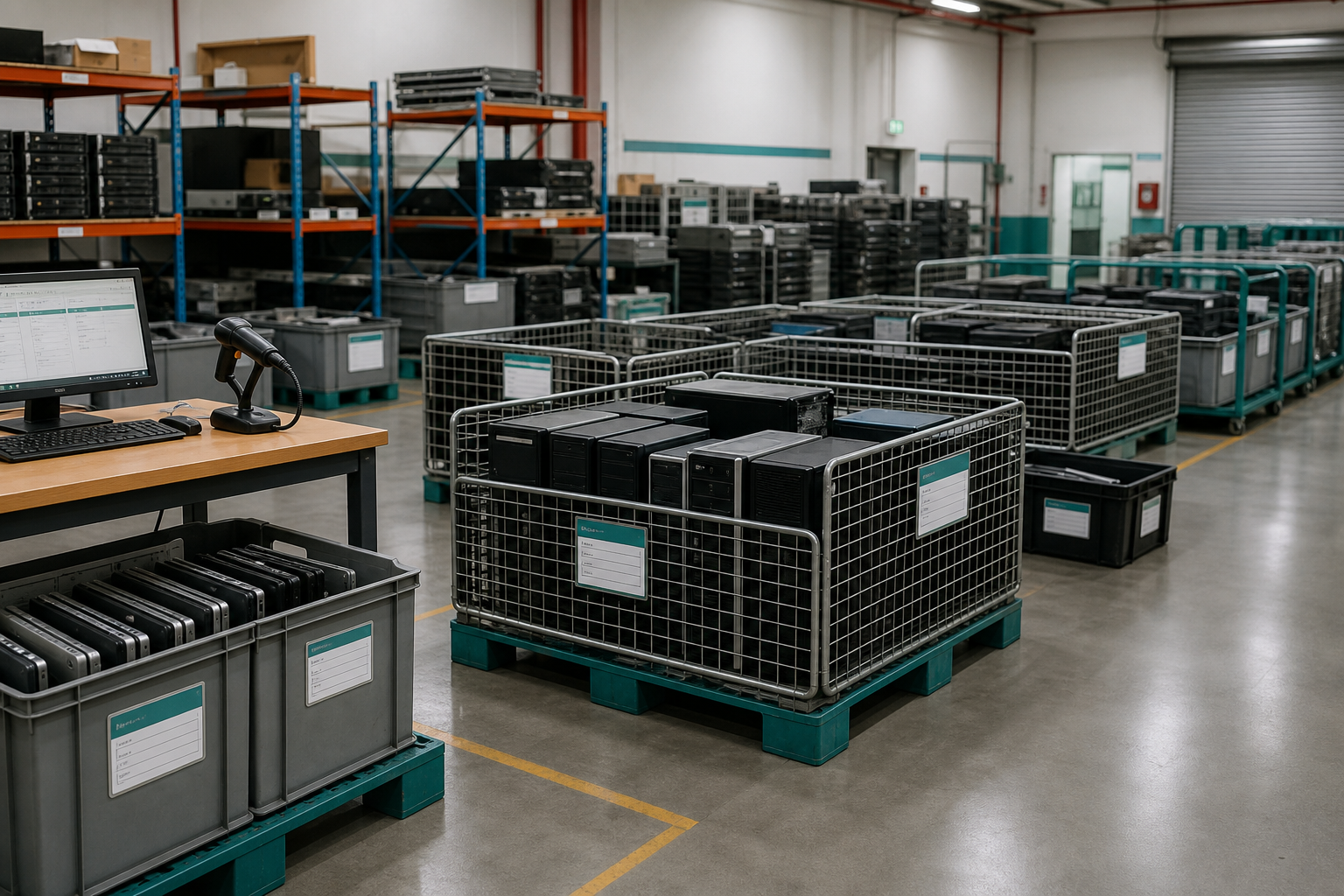
Every business eventually retires laptops, desktops, servers and phones. The problem is that these devices almost always still hold data, and simply throwing them out, handing them to a general recycler, or letting staff take them home can expose sensitive company and customer information. For businesses in Johor Bahru, here is a practical, security-first way to retire IT equipment.
1. Build an inventory of what you’re retiring
Before anything leaves your office, list the assets: device type, quantity, and whether each one stores data. Laptops, desktops, servers and external drives all contain storage; so do many printers, copiers and networking devices. A simple inventory is the foundation of a defensible IT asset disposition process and makes later reporting far easier.
2. Decide: erase for reuse, or destroy?
Not every device needs to be shredded. If equipment is still usable, its storage can be securely wiped so the hardware can be redeployed, remarketed or sold. If a device is at end of life, damaged, or carries especially sensitive data, physical destruction is the safer route.
- Data erasure: software-based sanitisation, scoped with reference to standards such as NIST SP 800-88, keeps the hardware’s value while removing the data. See data sanitisation and erasure.
- Physical destruction: shredding, crushing or degaussing for media that will not be reused. See physical data destruction.
3. Keep a chain of custody
From the moment devices leave your premises to the moment they are processed, you should be able to show where they were and who handled them. Documented collection, handover records and controlled transport, delivered through our secure logistics service, mean there is no gap in accountability.
4. Recover value where you can
Retired equipment is not always worthless. Once data security is addressed, eligible devices can be assessed for reuse or buy-back, offsetting some of your refresh cost. This is value recovery, and it only makes sense after sanitisation is confirmed.
5. Recycle the rest responsibly
Whatever cannot be reused should be routed to appropriate recycling channels rather than landfill. In Malaysia, business e-waste is generally treated as scheduled waste and should be handled through licensed channels. See our guide to e-waste recycling.
6. Get your documentation
Finally, collect the evidence: collection records, erasure results or certificates of destruction, and asset or quantity reporting. This paperwork is what satisfies auditors, supports your internal controls, and closes the loop on each device.
Handling all six steps in-house is possible, but most organisations prefer a single provider to scope collection, sanitisation, destruction, value recovery and reporting around their assets. If you are planning an IT refresh or clear-out in Johor Bahru, request a quote and we will help you retire it securely.